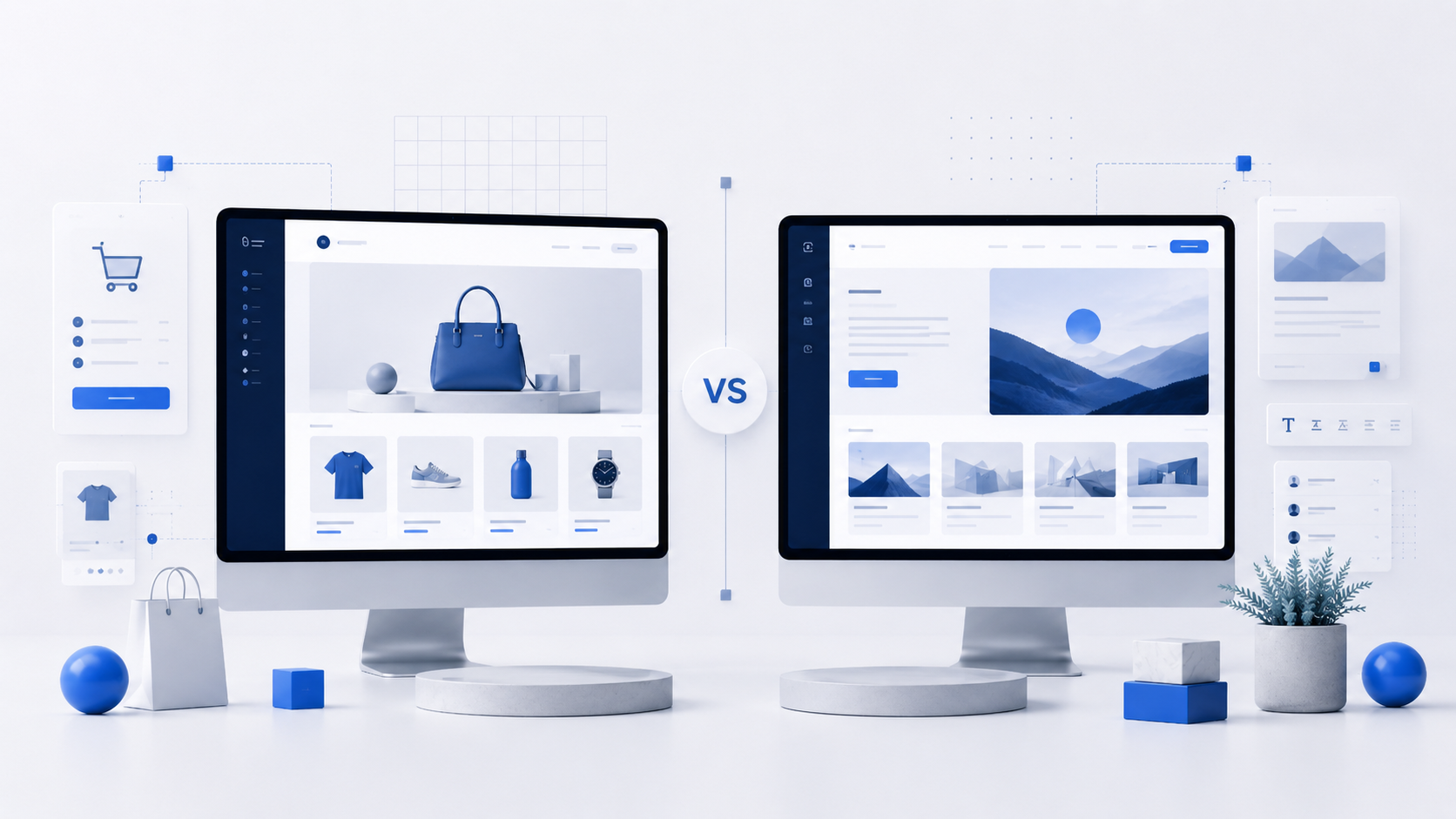
Quick verdict
Compare Webflow vs WordPress in 2026. Learn the differences in design, SEO, pricing, content management, performance, and ease of use.
Webflow and WordPress are two powerful platforms for creating websites, but they are built for different types of users. Both can be used to build blogs, business websites, portfolios, landing pages, and content projects. However, the way they work is very different.
Webflow focuses on visual design and gives users more control over layout and animations. WordPress focuses on flexibility, content management, plugins, and long-term scalability.
In this guide, we compare Webflow vs WordPress in 2026 to help you choose the better platform for your website.
What Is Webflow?
Webflow is a visual website builder that allows users to design websites without writing code manually. It gives designers control over layout, spacing, animations, typography, and responsive design.
Unlike simple drag-and-drop builders, Webflow is more advanced. It is closer to a professional design tool combined with a website builder and CMS.
Webflow is popular among designers, agencies, startups, and users who want full visual control over how their website looks.
What Is WordPress?
WordPress is the most popular content management system in the world. It is used for blogs, business websites, online stores, affiliate websites, news portals, and many other types of projects.
The main advantage of WordPress is flexibility. Users can install themes, plugins, SEO tools, page builders, security tools, and many other extensions.
WordPress is especially strong for content-heavy websites that need many pages, articles, categories, and internal links.
Ease of Use
Webflow has a visual editor, but it is not the easiest platform for beginners. To use it properly, you need to understand basic design principles, layout structure, containers, spacing, and responsive behavior.
WordPress can also feel confusing at first, especially for users who are new to hosting, themes, and plugins. However, once the basic setup is complete, publishing articles and managing content is usually simple.
For beginners who only want to publish content regularly, WordPress is often easier in the long run.
Winner: WordPress
Design Flexibility
Webflow is one of the strongest platforms for design control. It allows users to create custom layouts without relying heavily on templates or plugins.
You can control almost every visual detail of a page, including animations, interactions, and responsive versions for different screen sizes.
WordPress also offers strong design flexibility, especially with modern themes and page builders. However, advanced design customization often requires plugins, custom CSS, or premium tools.
For pure visual design, Webflow has an advantage.
Winner: Webflow
SEO Capabilities
Both Webflow and WordPress can be optimized for SEO.
Webflow allows users to edit meta titles, meta descriptions, URL slugs, alt text, and other important SEO elements. It also produces clean code and can perform well when properly configured.
WordPress has more SEO flexibility because of plugins like Rank Math and Yoast SEO. These tools help manage metadata, sitemaps, schema markup, internal linking, redirects, and other optimization tasks.
For large SEO projects with many articles and categories, WordPress is usually the stronger option.
Winner: WordPress
Content Management
WordPress is built around content. It is very convenient for publishing blog posts, organizing categories, managing tags, creating internal links, and scaling a site with hundreds or thousands of pages.
Webflow has a CMS, but it is more limited compared to WordPress. It works well for smaller content collections, portfolios, landing pages, and structured content, but it can become less convenient for large editorial projects.
If your goal is to build a content website, blog, affiliate site, or SEO media project, WordPress is usually the better choice.
Winner: WordPress
Pricing
Webflow has subscription-based pricing. To use a custom domain and publish a professional website, you need a paid plan. Costs can increase depending on your site type and CMS needs.
WordPress itself is free, but you need to pay for hosting and a domain. You may also choose premium themes or plugins, but they are not always required.
For small websites, both platforms can be affordable. For larger content projects, WordPress often gives more control over costs.
Winner: WordPress
Performance
Webflow websites can be fast and clean because hosting and technical optimization are handled by the platform.
WordPress performance depends on hosting, theme quality, plugins, caching, and optimization settings. A well-optimized WordPress website can be very fast, but a poorly configured one can become slow.
Webflow is easier for users who do not want to manage technical performance settings. WordPress gives more control but also requires more responsibility.
Winner: Tie
Maintenance and Security
Webflow handles hosting, security, and platform updates automatically. This is convenient for users who do not want to manage technical details.
With WordPress, the website owner is responsible for updates, backups, plugin management, and security settings. Managed hosting can reduce this work, but it still requires more attention than Webflow.
For users who want a low-maintenance platform, Webflow is simpler.
Winner: Webflow
Which Platform Is Better for Beginners?
For beginners who want a simple visual website and care about design, Webflow can be a good option, but it still has a learning curve.
For beginners who want to publish articles, build a blog, or create a content-based project, WordPress is usually more practical.
WordPress may feel harder at the beginning, but it becomes easier once the basic setup is complete.
Which Platform Is Better for SEO Projects?
For SEO-focused websites, WordPress is usually the better choice. It is easier to manage large amounts of content, create categories, build internal links, and optimize articles with SEO plugins.
Webflow can work well for SEO, especially for landing pages and business websites, but WordPress is more flexible for long-term content growth.
Final Verdict
Webflow and WordPress are both excellent platforms, but they are best for different needs.
Choose Webflow if you care most about visual design, animations, and a clean all-in-one platform.
Choose WordPress if you want more flexibility, stronger content management, better SEO tools, and long-term scalability.
For blogs, affiliate websites, content projects, and SEO-focused websites, WordPress remains the better choice in 2026. For design-focused websites and agency projects, Webflow can be a very strong alternative.
Related guides

Shopify vs WordPress: Which Platform Is Better in 2026?
Compare Shopify vs WordPress in 2026. Learn the differences in eCommerce, SEO, pricing, customization, content management, and ease of use.
Best Free Website Builders in 2026
Discover the best free website builders in 2026. Compare Wix, WordPress.com, Webflow, Google Sites, and Carrd to choose the right free platform.

Wix vs WordPress: Which Is Better in 2026?
Compare Wix vs WordPress in 2026. Learn the differences in SEO, pricing, customization, performance, and ease of use to choose the best website builder.