Quick verdict
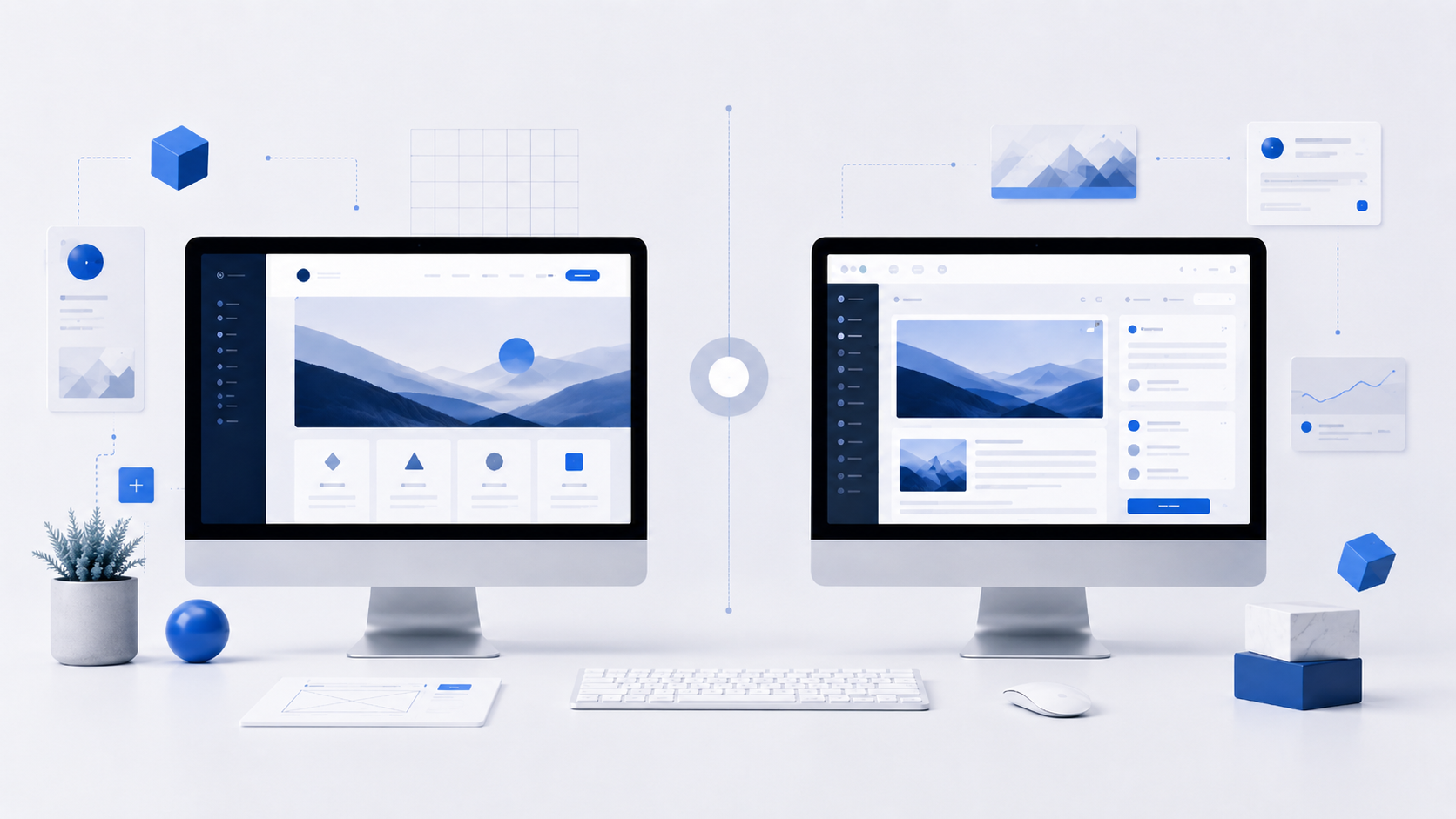
Compare Wix vs WordPress in 2026. Learn the differences in SEO, pricing, customization, performance, and ease of use to choose the best website builder.
Wix and WordPress are two of the most popular website-building platforms available today. Both allow users to create professional websites, but they take very different approaches.
Choosing the right platform depends on your goals, technical skills, budget, and long-term plans. In this comparison, we examine the strengths and weaknesses of Wix and WordPress to help you make the right decision.
Ease of Use
Wix is designed for beginners. Its drag-and-drop editor allows users to build pages visually without any coding knowledge. Most tasks can be completed in just a few clicks.
WordPress has a steeper learning curve. While modern page builders have made it easier to use, users still need to understand themes, plugins, hosting, and website management.
Winner: Wix
Customization and Flexibility
WordPress offers unmatched flexibility. Thousands of themes and plugins allow users to create almost any type of website, from blogs and portfolios to large online stores and membership platforms.
Wix provides a good selection of templates and apps, but customization options are more limited compared to WordPress.
Winner: WordPress
SEO Capabilities
Both platforms support search engine optimization, but WordPress provides more advanced SEO tools.
Plugins such as Rank Math and Yoast SEO allow users to optimize every aspect of their website, including metadata, schema markup, redirects, and internal linking.
Wix has improved significantly in recent years but still offers fewer advanced SEO options.
Winner: WordPress
Pricing
Wix includes hosting and maintenance in its subscription plans, making costs predictable.
WordPress software is free, but users must pay for hosting, premium themes, plugins, and domain registration.
For small websites, costs can be similar. For larger projects, WordPress often provides better value.
Winner: Tie
Performance
Website speed depends heavily on configuration.
A well-optimized WordPress website can be extremely fast, especially when combined with quality hosting and caching solutions.
Wix handles performance optimization automatically, making it easier for beginners.
Winner: Tie
eCommerce Features
Wix offers built-in tools for online stores and is suitable for small to medium-sized businesses.
WordPress, combined with WooCommerce, provides significantly more flexibility and scalability for serious eCommerce projects.
Winner: WordPress
Security and Maintenance
Wix manages security, updates, backups, and hosting automatically.
With WordPress, users are responsible for maintaining updates, security plugins, and backups unless managed hosting is used.
Winner: Wix
Which Platform Should You Choose?
Choose Wix if:
- You are a beginner.
- You want a website online quickly.
- You prefer an all-in-one solution.
Choose WordPress if:
- You want full control over your website.
- SEO is important.
- You plan to scale your project over time.
- You need advanced functionality.
Final Thoughts
Both Wix and WordPress are excellent platforms, but they serve different audiences.
Wix is ideal for beginners who want simplicity and convenience. WordPress is the better choice for users who want maximum flexibility, stronger SEO capabilities, and long-term growth potential.
For most content websites, blogs, affiliate projects, and business websites, WordPress remains the recommended solution in 2026.
Related guides
Shopify vs WordPress: Which Platform Is Better in 2026?
Compare Shopify vs WordPress in 2026. Learn the differences in eCommerce, SEO, pricing, customization, content management, and ease of use.
Webflow vs WordPress: Which Website Builder Is Better in 2026?
Compare Webflow vs WordPress in 2026. Learn the differences in design, SEO, pricing, content management, performance, and ease of use.
Best Free Website Builders in 2026
Discover the best free website builders in 2026. Compare Wix, WordPress.com, Webflow, Google Sites, and Carrd to choose the right free platform.