
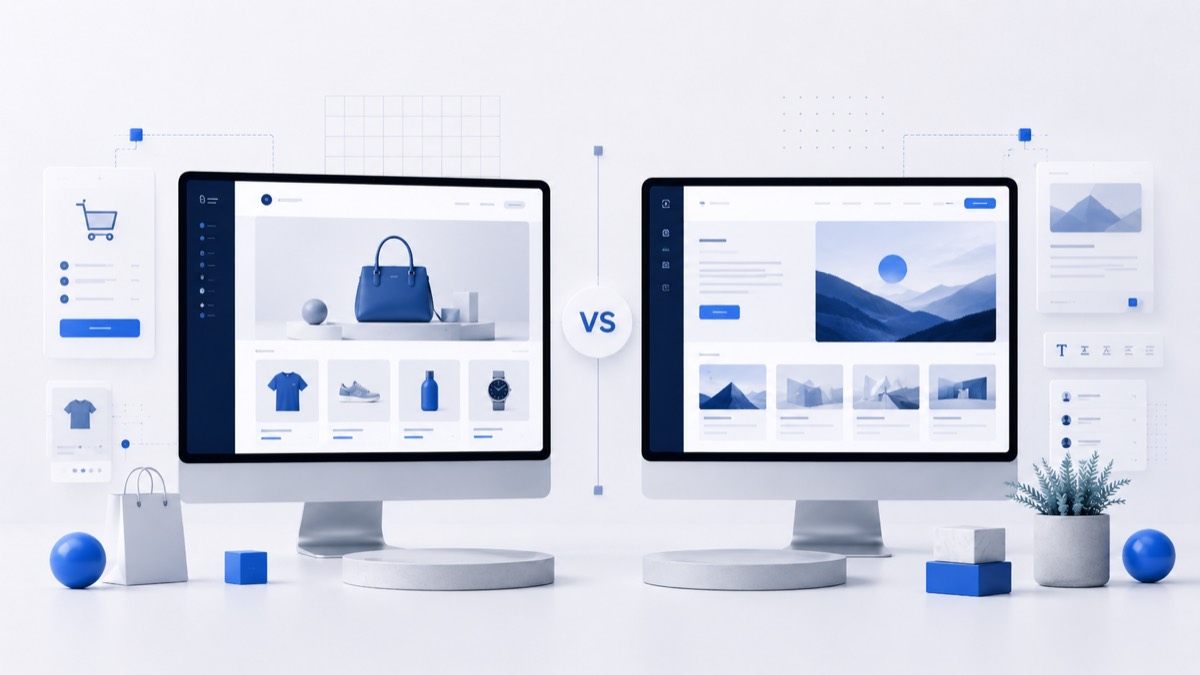
Choose WordPress for control, a builder for speed
WordPress and hosted website builders solve different problems. WordPress gives more ownership and flexibility; builders reduce setup work and maintenance. The right answer depends on how important control is after launch.
- Choose WordPress when content SEO, flexibility, plugins, ownership and long-term control matter.
- Choose a hosted website builder when speed, simplicity and fewer technical decisions matter more.
- Do not ignore maintenance: WordPress needs updates, backups and hosting discipline.
- Do not ignore portability: closed builders can be harder to leave after the site grows.
- Test the real workflow before paying or committing a large content archive.
Best picks
Use these options as a quick reading path, then compare the details before choosing.
WordPress
A strong fit when you want control over hosting, plugins, content structure and long-term SEO.
Wix
Useful when a simple business site needs to go live quickly without separate hosting setup.
Squarespace
Good when templates, presentation and low-maintenance editing matter.
Shopify
Better when the site is mainly a store with products, orders and checkout workflows.
Webflow
A strong option for visual builds when the team can handle a steeper learning curve.
Comparison table
Compare real platforms by use case, free access, strengths, limitations and what to check.
| Platform / builder | Best for | Free plan / trial | Key strength | Main limitation | What to check before using |
|---|---|---|---|---|---|
| WordPress | Content, flexibility and ownership | Software is free; hosting is separate | Open ecosystem and SEO depth | Maintenance responsibility | Hosting, updates, plugins, backups and security |
| Hosted website builder | Fast launch and simple editing | Free plan or trial may be available | All-in-one setup | Less portability and deep control | Export options, SEO controls, limits and renewal pricing |
Main guide
A practical decision guide for choosing between WordPress and an all-in-one website builder.
The main difference is ownership versus convenience
WordPress is a CMS and publishing ecosystem. In a self-hosted setup, you choose hosting, themes, plugins and maintenance practices. That creates more responsibility, but it also creates more control over structure, SEO, redirects, performance and future changes.
A hosted website builder bundles hosting, templates, editor tools and updates into one platform. This can be much easier for beginners and small teams. The trade-off is that you accept the platform's limits, pricing structure and export options.
Neither option is automatically more professional. A simple builder site can be excellent when it serves the business clearly. A WordPress site can be messy if it uses too many plugins or poor hosting. The choice should match the workflow you can maintain.
Setup speed and maintenance
Hosted builders usually win on speed. You choose a template, edit sections, connect a domain and publish. For a small service site, portfolio or basic landing page, this lower friction can be the deciding factor.
WordPress takes more decisions: hosting, theme, plugins, security, backups, caching and updates. These decisions are manageable, but they are real. If nobody will maintain the site, WordPress can become fragile over time.
The maintenance question is not glamorous, but it is central. A platform that looks easy during setup but becomes restrictive later is a problem. A platform that is flexible but neglected is also a problem.
SEO, content and growth
WordPress is often stronger for content SEO because it gives deep control over content types, plugins, internal links, redirects, schema opportunities and publishing workflows. This matters when the site will grow into a content library.
Hosted builders can still support basic SEO well enough for many sites. The key is to check real controls: titles, meta descriptions, slugs, heading structure, redirects, image alt text, canonical behavior and page speed.
If your site will only have five pages, simplicity may beat flexibility. If you plan hundreds of articles, programmatic landing pages or advanced content structure, WordPress deserves serious consideration.
Cost, lock-in and portability
The visible price is only one part of the decision. With WordPress, costs may include hosting, premium themes, plugins, maintenance and support. With builders, costs may include higher plans, apps, transaction features, storage, email or renewal changes.
Portability also differs. WordPress content and hosting can usually be moved with planning. Hosted builders vary widely in export options. If the website becomes valuable, weak portability can be a hidden cost.
Before choosing, ask what would happen if the platform became too expensive or too limited. If the answer is a painful rebuild, be more careful before publishing a large project there.
A simple decision rule
Choose WordPress if the website is a long-term asset, content SEO matters, custom features are likely or you want more control over the stack. Choose a builder if the site must launch quickly and the needs are predictable.
The best test is to build the same sample page in both approaches. Compare setup time, editing comfort, SEO fields, mobile quality and how easy it would be to update the page six months later.
How to choose
Use this checklist before opening a trial, connecting a domain or paying for a long plan.
Estimate site complexity
A simple five-page site and a large content hub need different levels of control.
Decide who maintains it
WordPress needs updates and backups; builders reduce that burden.
Check portability
Review export, domain, redirects and migration options before building a large site.
Compare SEO depth
Look beyond basic fields if organic search is a major channel.
Review total cost
Include hosting, plugins, apps, support, renewal terms and ecommerce needs.
Common mistakes
The details that often make a builder feel wrong after the first launch.
Choosing only by templates
A polished template can hide weak SEO controls, limited export options or a workflow that becomes slow after the first launch. Test editing, navigation, content updates and mobile pages before deciding.
Ignoring renewal and add-on costs
Introductory offers can look attractive, but the long-term cost may include renewal pricing, apps, email, extra storage, ecommerce tools or premium templates. Compare the full stack, not only the first checkout screen.
Forgetting portability
If the project may grow, check whether you can export content, move the domain, keep redirects and rebuild the site elsewhere without losing months of work.
Treating every site like the same project
A portfolio, blog, local business site and store have different needs. The easiest builder for a landing page may not be the best platform for content SEO or ecommerce operations.
Free vs paid
Free plans are useful for testing, but serious sites usually need clear upgrade rules.
When a free plan is enough
A free plan may be enough for drafts, early testing, a temporary landing page or a private proof of concept. It becomes risky when you need a custom domain, remove platform branding, invite collaborators, accept payments or publish content that must rank in search.
Where paid limits usually begin
Paid limits often appear around domains, storage, bandwidth, ecommerce features, analytics, advanced SEO controls, design customization, contributors and support. Check current pricing before you commit, because features and limits can change.
Before you upgrade
Upgrade only when the paid plan removes a clear bottleneck for your WordPress vs Website Builder: What Should You Choose?. Compare renewal terms, export options and the cost of add-ons before paying for a long period.
FAQ
Short answers before you choose a platform.
Is WordPress better than website builders?
WordPress is better for control and flexible growth, while builders are better for fast setup and simpler maintenance.
Should beginners use WordPress?
Beginners can use WordPress, but a hosted builder may be easier if the site is simple and nobody wants to manage hosting.
Are website builders bad for SEO?
Not automatically. Many handle basic SEO, but depth, speed and structure vary by platform.
Is WordPress cheaper?
Not always. WordPress software can be free, but hosting, themes, plugins and maintenance can add cost.
Can I move from a builder to WordPress?
Usually you can rebuild on WordPress, but full migration may require manual work. Check export options first.
Which is better for ecommerce?
Shopify or another ecommerce-focused builder may be better for store operations; WordPress can work when flexibility and content matter.
Compare Website Builder guides
Continue with Letomix guides for WordPress, Wix, Squarespace, Shopify and practical website tools.
Related guides
Continue with nearby Website Builders, Hosting, Free Tools and Deals guides.

Shopify vs WordPress: Which Platform Is Better in 2026?
Compare Shopify vs WordPress in 2026. Learn the differences in eCommerce, SEO, pricing, customization, content management, and ease of use.
Wix vs WordPress: Which Is Better in 2026?
Compare Wix vs WordPress in 2026. Learn the differences in SEO, pricing, customization, performance, and ease of use to choose the best website builder.

How to Choose Web Hosting for a Website in 2026
Choose website hosting by matching traffic, platform, uptime, backups, security, support and upgrade path.
How to Choose a Website Builder: Beginner’s Guide
Learn how to choose a website builder by site goal, budget, SEO needs, design control, ecommerce, portability, support and renewal cost.
Best WordPress Hosting in 2026
Choose WordPress hosting by speed, support, backups, security, traffic needs and renewal pricing.