Обзор the лучшие бесплатные software в 2026 году for writing, design, productivity, websites, business, storage, and communication. Сравнение useful бесплатные инструменты before upgrading.
Русская версия сайта подготовлена как отдельная структура. Часть длинных статей сохранена с оригинальным английским текстом, чтобы не создавать плохой машинный перевод.
UpdatedJune 19, 2026Guide typeFree tools guideBest forstudents, creators, and small teams
Quick Verdict
Use this guide to choose Best Free Software Useful Tools You Can Start Using Today by real use case, limits, pricing, and upgrade timing.
Focus on: free value, limits, use cases, and upgrade timing.
Upgrade when: limits slow real work.
Free software is better than ever in 2026. You no longer need to pay for every basic tool you use online. Many popular apps now offer free plans that are good enough for students, freelancers, small business owners, creators, and regular users.
But not all free software is equal.
Some tools are truly useful for daily work. Others are free only in theory, but quickly push you toward a paid plan. The best free software should help you solve a real problem without forcing you to upgrade immediately.
In this guide, we look at the best free software in 2026 across productivity, design, writing, storage, communication, website creation, and business use.
What Makes Free Software Worth Using?
A good free software tool should offer real value before asking you to pay.
The best free tools usually have:
a useful free plan;
no aggressive limitations for basic users;
a simple interface;
cloud access or easy installation;
enough features for personal or small business use;
a clear upgrade path if you need more later.
Free software does not always mean “unlimited.” Many tools limit storage, exports, team members, advanced features, automation, or AI credits. That is normal. The important question is whether the free version is still useful without paying.
Best Free Software in 2026
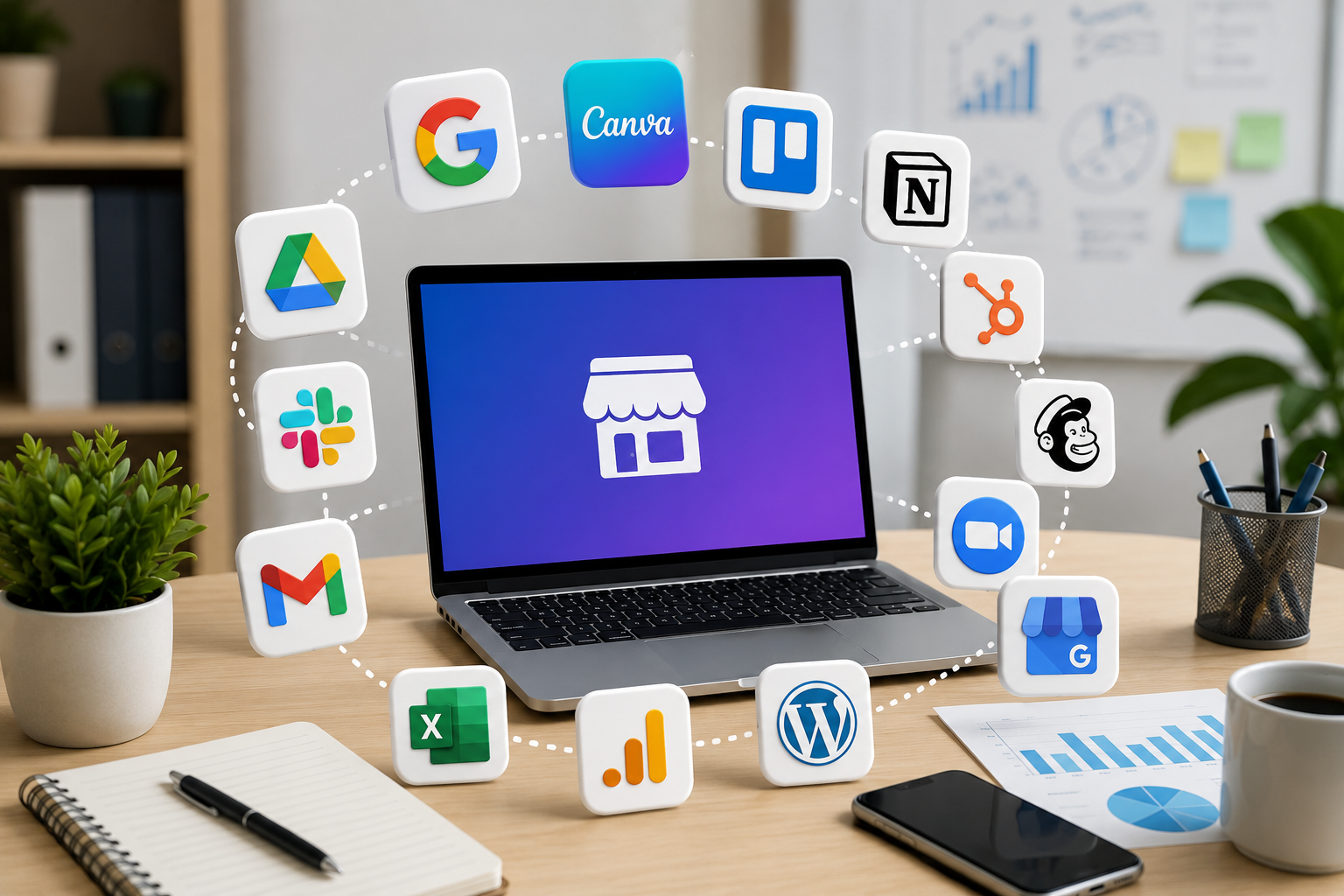
Below are some of the most useful free software tools to consider in 2026.
1. Google Docs
Google Docs is still one of the best free writing and document tools for most people.
It works in your browser, saves your work automatically, and makes collaboration easy. You can write articles, create notes, prepare reports, share documents with other people, and edit files from almost any device.
Google Docs is especially useful for students, bloggers, small teams, and anyone who needs a simple free alternative to traditional office software.
Best for:
writing documents;
editing text online;
sharing files;
working with other people;
simple business documents.
The main advantage is simplicity. You do not need to install anything, and you can start writing quickly.
2. Google Sheets
Google Sheets is one of the best free spreadsheet tools.
It is useful for budgets, content plans, simple databases, keyword lists, project tracking, invoices, and small business reports. You can also share spreadsheets with other people and work on the same file together.
For many users, Google Sheets is enough before moving to more advanced paid tools.
Best for:
budgets;
simple reports;
planning;
tracking tasks;
organizing data.
If you are building a small project or website, Google Sheets can be one of your most useful free tools.
3. Canva
Canva is one of the easiest free design tools for non-designers.
You can use it to create social media posts, presentations, thumbnails, posters, simple graphics, documents, and marketing materials. The free plan includes many templates and design elements, although some premium assets require a paid plan.
Canva is useful because it makes design accessible. You do not need professional design skills to create something clean and presentable.
Best for:
social media graphics;
presentations;
blog images;
simple marketing materials;
thumbnails;
visual content.
For creators, bloggers, small businesses, and students, Canva is one of the best free software tools to start with.
4. Notion
Notion is a flexible workspace for notes, tasks, databases, planning, and personal organization.
You can use it as a personal knowledge base, content calendar, study planner, project dashboard, or simple CRM. The free plan is especially useful for individual users who want one place to organize ideas and tasks.
Notion can feel a little complex at first, but it becomes powerful once you understand pages, databases, and templates.
Best for:
notes;
personal planning;
content calendars;
project organization;
task management;
knowledge bases.
If you like organizing everything in one place, Notion is one of the strongest free productivity tools.
5. Trello
Trello is a simple free project management tool based on boards, lists, and cards.
It is easy to understand even if you have never used project management software before. You can create a board for work, study, content, business tasks, or personal planning.
Trello is especially useful for visual task tracking.
Best for:
simple project management;
task boards;
content planning;
small team workflows;
personal organization.
For many small projects, Trello is easier than more complex project management platforms.
6. Slack
Slack is a communication tool for teams and communities.
The free plan is useful for small groups that need channels, direct messages, and basic collaboration. It is not always necessary for solo users, but it can be very useful for small teams, remote projects, and communities.
Best for:
team communication;
project channels;
remote collaboration;
small communities;
quick updates.
If you work with other people, Slack can help keep conversations more organized than regular messengers.
7. Zoom
Zoom remains one of the most popular video meeting tools.
The free plan is useful for quick calls, online lessons, interviews, small meetings, and remote collaboration. For longer or larger meetings, you may eventually need a paid plan, but the free version is still useful for many users.
Best for:
video calls;
online meetings;
interviews;
lessons;
remote work.
Zoom is simple, familiar, and widely used, which makes it convenient for many situations.
8. Grammarly
Grammarly helps you check writing, grammar, spelling, and clarity.
The free version is useful for basic writing corrections. It can help students, bloggers, freelancers, email writers, and non-native English speakers write cleaner text.
Grammarly is not a replacement for learning how to write well, but it is a helpful assistant for everyday writing.
Best for:
grammar checks;
spelling correction;
clearer emails;
article drafts;
English writing support.
If you write in English often, Grammarly can save time and reduce simple mistakes.
9. ChatGPT
ChatGPT can be used for brainstorming, writing help, explanations, summaries, coding support, content ideas, and learning.
The free version can be useful for many everyday tasks, although advanced features may require a paid plan depending on availability and usage limits.
ChatGPT is especially useful when you need a quick draft, an explanation, a plan, or help turning rough ideas into structured text.
Best for:
brainstorming;
writing drafts;
learning;
summaries;
coding help;
content ideas.
It works best when you give clear instructions and review the output carefully.
10. Visual Studio Code
Visual Studio Code is one of the best free code editors.
It is popular among developers, students, website owners, and people learning to code. It supports many programming languages and has a large extension marketplace.
You can use it for HTML, CSS, JavaScript, Python, PHP, and many other languages.
Best for:
coding;
editing website files;
learning programming;
working with extensions;
lightweight development.
If you are building websites or learning code, Visual Studio Code is one of the most useful free tools available.
11. WordPress
WordPress is one of the most popular tools for creating websites.
The WordPress software itself is free, although you usually need hosting and a domain to build a self-hosted website. It is useful for blogs, business websites, affiliate sites, content projects, and online publications.
WordPress has a learning curve, but it gives you much more control than many simple website builders.
Best for:
blogs;
content websites;
affiliate sites;
business websites;
SEO projects.
If your goal is to build a serious website, WordPress is one of the best free software foundations.
12. GIMP
GIMP is a free image editing tool.
It is often used as a free alternative to paid photo editing software. It can handle image editing, basic design tasks, cropping, color correction, and graphic adjustments.
GIMP may feel less modern than some online design tools, but it is powerful for users who want more control.
Best for:
image editing;
photo adjustments;
graphic work;
resizing images;
free desktop editing.
For users who do not want to pay for advanced image editing software, GIMP is still a strong option.
13. VLC Media Player
VLC is a free media player that can open many video and audio formats.
It is simple, lightweight, and useful when default media players do not support a file. It has been popular for years because it works reliably and does not require complicated setup.
Best for:
playing videos;
playing audio files;
opening different media formats;
watching downloaded files;
simple media playback.
VLC is not exciting, but it is one of those free tools that many people keep installed because it just works.
14. Dropbox Basic
Dropbox offers a free plan that can be useful for basic file storage and sharing.
It is not the most generous free cloud storage option, but it is simple and widely supported. It can be useful for sharing files, syncing important documents, and working across devices.
Best for:
file sharing;
basic cloud storage;
syncing documents;
small personal files.
If you need a simple way to store and share a few files, Dropbox Basic can still be useful.
15. HubSpot CRM
HubSpot CRM is a free customer relationship management tool.
It can help small businesses track contacts, leads, deals, emails, and customer conversations. Many advanced sales and marketing features are paid, but the free CRM is useful for simple business organization.
Best for:
contact management;
small business sales;
lead tracking;
customer notes;
basic CRM workflows.
For small businesses that are not ready to pay for CRM software, HubSpot can be a good starting point.
Best Free Software by Use Case
Different users need different tools. Here is a simple way to choose.
Best Free Software for Students
Students can start with:
Google Docs;
Google Sheets;
Notion;
Grammarly;
Canva;
Zoom.
These tools cover writing, planning, presentations, studying, and online collaboration.
Best Free Software for Small Business
Small businesses can start with:
Google Sheets;
Canva;
HubSpot CRM;
Trello;
Slack;
WordPress.
These tools help with planning, marketing, communication, customer tracking, and website creation.
Best Free Software for Content Creators
Creators can start with:
Canva;
Google Docs;
ChatGPT;
Grammarly;
WordPress;
GIMP.
This combination helps with writing, editing, images, publishing, and content planning.
Best Free Software for Productivity
For personal productivity, the most useful tools are:
Notion;
Trello;
Google Calendar;
Google Sheets;
Google Docs.
These tools help organize work, ideas, schedules, and tasks.
Free Software vs Paid Software
Free software is a great starting point, but paid software can still be worth it.
Free tools are best when:
you are just starting;
you have a small project;
you do not need advanced features;
you want to test different tools;
you want to reduce costs.
Paid tools are better when:
you need more storage;
you work with a team;
you need automation;
you need priority support;
you need advanced security;
you use the tool every day for work.
The best approach is simple: start free, test the tool, and upgrade only when the free version creates real limits.
Common Limits of Free Software
Most free software has some limitations.
Common limits include:
storage limits;
export limits;
limited templates;
limited AI credits;
fewer integrations;
fewer team features;
branding on free plans;
limited support;
fewer automation options.
This does not make free software bad. It only means you should understand what you are getting before building your full workflow around one tool.
How to Choose the Best Free Software
Before choosing any free software, ask yourself:
What problem do I need to solve?
Is the free plan useful enough?
What happens if I reach the limit?
Can I export my data later?
Is the tool trusted and actively maintained?
Will I need to upgrade soon?
Are there better free alternatives?
Do not choose software only because it is free. Choose it because it helps you work faster, save money, or solve a real problem.
Final Verdict: What Is the Best Free Software in 2026?
The best free software in 2026 depends on your needs.
For writing and documents, Google Docs is one of the easiest choices. For design, Canva is one of the best free tools for non-designers. For organization, Notion and Trello are strong options. For websites, WordPress is a powerful free foundation. For business, HubSpot CRM can help small teams get started without paying.
The smartest strategy is to build a simple free software stack:
Google Docs for writing;
Google Sheets for planning;
Canva for design;
Notion or Trello for organization;
Grammarly for writing checks;
WordPress for websites;
HubSpot CRM for business contacts.
You do not need to pay for everything from day one. Start with free tools, test what works, and upgrade only when a paid plan clearly saves time or helps you make money.